
Test-day logistics used to be simple: two pencils, a calculator, a photo ID, don’t be late. The digital SAT changed the equation, and I still meet families who prepped the content perfectly and then had a rough morning because of something completely unrelated to math or reading.
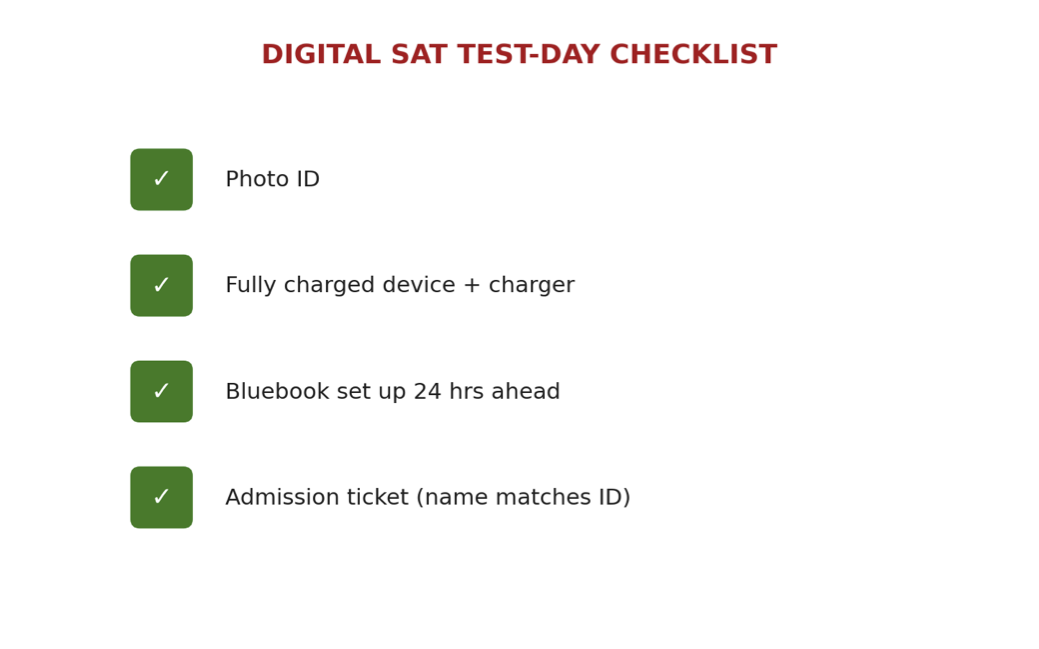
Here’s the actual list. A valid photo ID. Your fully charged device, plus its charger — chargers are technically allowed in the room and you will be glad you brought it. The Bluebook app downloaded and set up in advance, not the morning of, because if it needs an update at 7:45 AM you have a problem you didn’t need. And your admission ticket, printed or accessible, matching the name on your ID exactly.
That’s it. It’s a short list, which is exactly why it’s easy to get wrong — a short list doesn’t feel like something that needs checking twice, until the one thing that’s missing is the thing that causes the panic.
Let’s go through the device piece specifically, because it’s the newest source of test-day stress and the one families are least equipped to troubleshoot on the fly. Bluebook works on a school-managed device, a personal laptop, or an approved tablet — but each of those has its own setup quirks, and “it worked when I checked it three weeks ago” is not the same guarantee as “it works right now.” Operating system updates, browser changes, and app updates happen constantly and can quietly break something that was fine before. That’s the entire reason the setup check needs to happen the night before, not weeks before.
The Bluebook setup is the piece I push hardest on, because it’s the newest and least intuitive part of the process for families who remember the old paper test. Log in, confirm the exam is loaded, run the built-in check, and do all of it at least a day ahead — not because it’s likely to fail, but because “not likely” and “impossible” are different words, and test morning is the worst possible time to find out which one applies to you.
A few smaller items worth adding to the list, even though they’re not officially required: a backup charging cable in the car or bag in case the primary one has an issue, a written-down (not just memorized) confirmation number in case the app has any trouble loading it, and a plan for what happens if the assigned testing device is a school-issued one that needs to be picked up or checked out in advance — confirm that logistics detail with the school a few days ahead, not the morning of.
None of this replaces content prep. But content prep you can’t access because of a device problem is just as costly as content you never learned.
Do’s and Don’ts
| DO: Charge your device fully the night before and bring the charger anyway.Download and set up Bluebook at least 24 hours in advance, and run the built-in check.Print or screenshot your admission ticket, and confirm the name matches your photo ID exactly.Confirm any school-issued device pickup logistics with the school several days ahead, not the morning of the test.Write down your confirmation number somewhere separate from the app, just in case. | DON’T: Don’t wait until test morning to open Bluebook for the first time in weeks.Don’t assume a device that worked a few weeks ago is still configured correctly — updates happen quietly and often.Don’t forget the charger, even if the device shows a full charge the night before.Don’t leave admission ticket or ID details unverified until you’re standing in line at the testing center. |
Dr. Hurwitz’ Take
I genuinely think this is the most avoidable form of stress in the entire process, which is exactly why it bothers me the most when it happens. A kid can do everything right for ten weeks and still have a rough morning because an app needed an update at the worst possible moment. None of that is a reflection of preparation or ability — it’s a logistics failure, and logistics failures are the easiest category of problem to eliminate completely if you just do the boring checklist the night before instead of the morning of.
Save this one — print it and stick it to the fridge the week of the test.